Christmas Day is one of happiest times in our life, and everything that most of us do every year is to prepare gifts and Christmas greeting cards, but, sometimes a greeting card that made from an old photo would mean a lot more than any gift to those who you love, because it is not just a card with colorful pictures and warming words, it may remind those happy times that spent togther, refresh those good old memeries, strenthen the relationship with each other and so on.
Are you still confused about
how to make Christmas greeting cards? Don't worry, follow the steps below, let's DIY togther.
Step 1: Prepare your favorite photos
Step 2: Launch the iCollage for Mac (
Free download)
Step 3: Choose the Christmas card Template
Step 4: Drag Photos to the Template and Edit them
Step 5: Export the Edited Card
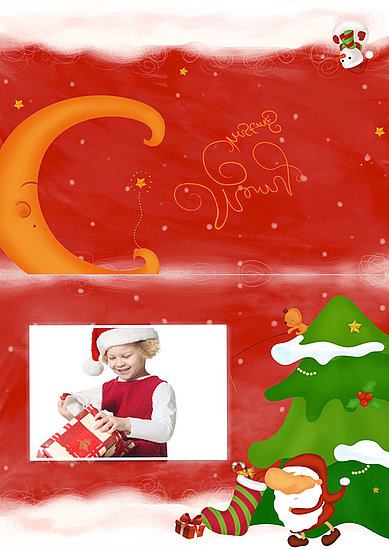
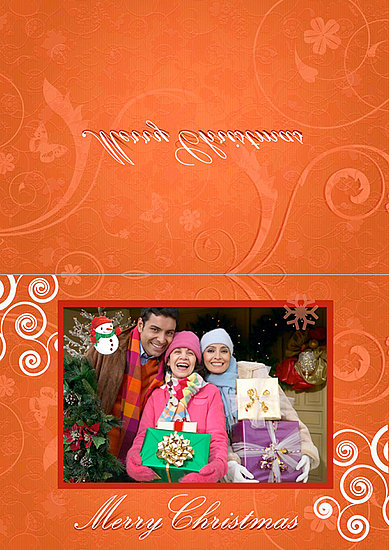
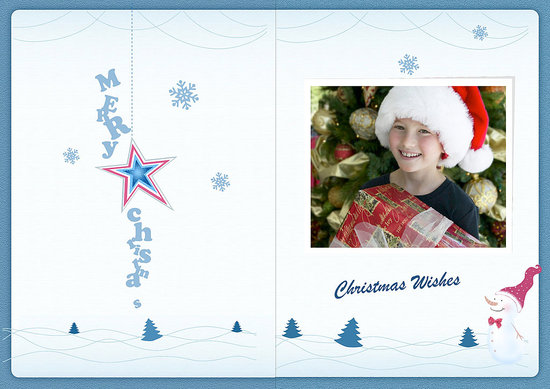
You can get all the cards i made for free if you like them.

Learn to
Make Christmas Greeting Card on Mac


 Posts
Posts


No comments:
Post a Comment